


by Brendan Faber
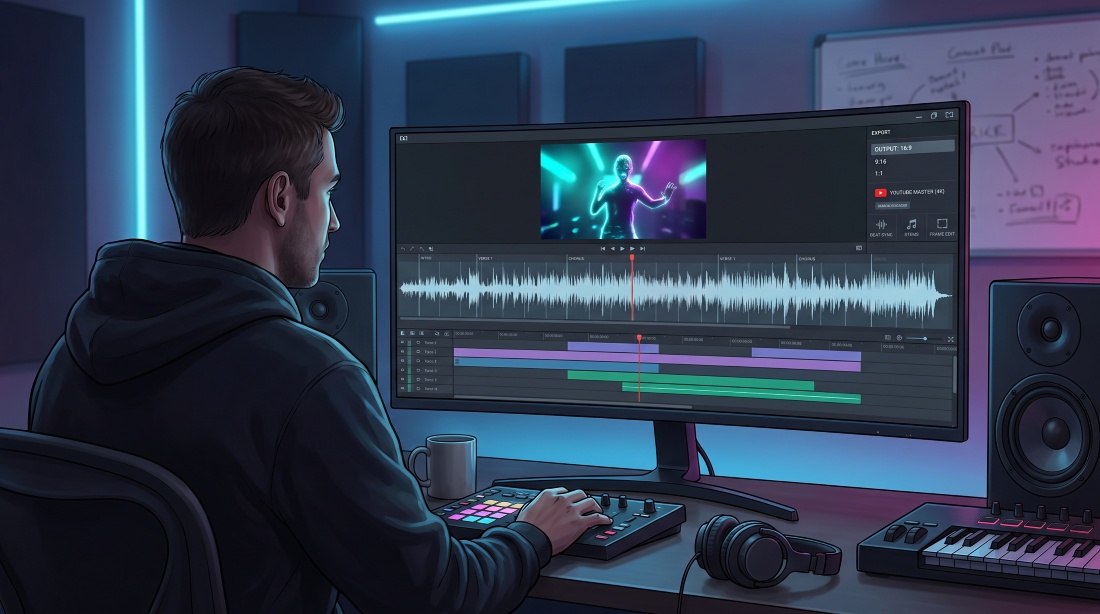
The music video has long been a film school without the fees. David Fincher shot Madonna’s “Vogue”, Michel Gondry made his name on Björk videos, and Spike Jonze cut “Sabotage” for the Beastie Boys before each moved into features. The form still trains the same skills: pacing a cut to the music, holding a character across scenes and telling a story in four minutes. AI tools now let an emerging director deliver a full-length YouTube music video without a crew. The seven below can produce a full-song 16:9 cut, stay locked to the music, keep a character consistent and still let the director change a single shot without starting again.
What Filmmakers Need From an AI Music Video Tool
- Cover the full song. A fifteen-second loop is fine for TikTok, but a four-minute commission needs unbroken coverage.
- Export in native 16:9. Cropping a vertical render spoils the composition.
- Stay musically literate. The better engines read the beat grid, align lyrics or let individual stems steer camera moves.
- Allow surgical fixes. Swapping one weak shot or holding a recurring character should not mean starting over.
- Fit the workflow. Know whether the platform delivers a polished master, an automated rough cut or a previs draft to refine in Premiere or Resolve.
The 7 Best AI Music Video Generators for YouTube
1. Neural Frames
Neural Frames treats a track like a score, not background noise. It builds full-length music videos rather than 15-second clips, and it splits the song into eight stems (drums, bass, vocals and others) so that each layer can drive more than ten visual parameters. A snare hit can trigger a flash while a vocal swell pushes the camera forward, which gives a director composer-level control without any code.
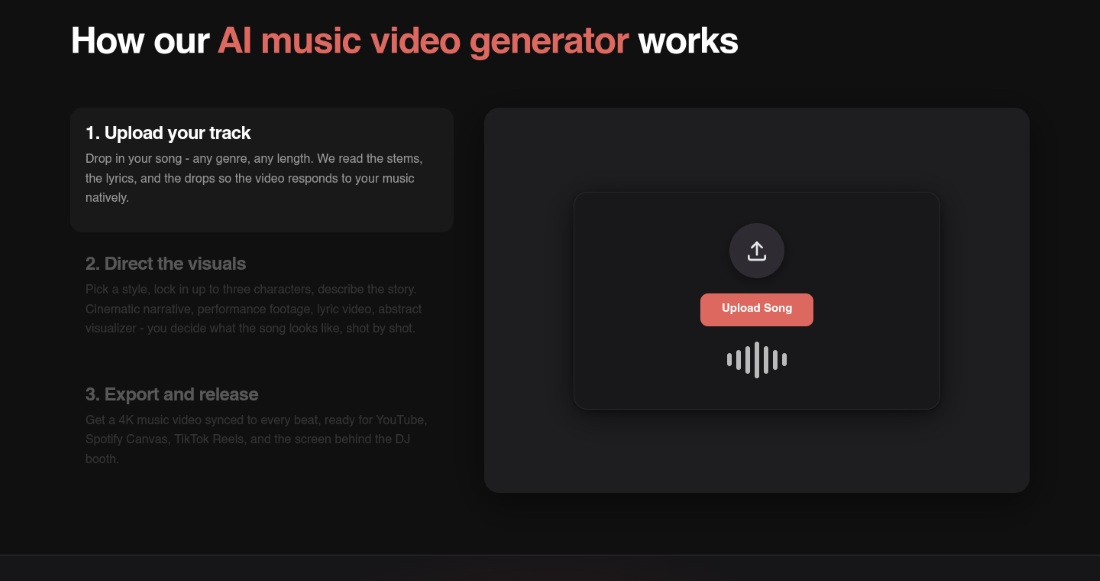
For continuity, up to three recurring characters can be locked in. Scenes can be refined with natural-language prompts, and the frame-by-frame editor handles the shots that need finer work. That mix suits directors who want AI speed without giving up authorship, and it also works as previs for a musical number, showing how camera moves follow the arrangement before anything is shot.
Exports cover the main YouTube landscape master in up to 4K, plus vertical and Spotify Canvas versions for the release campaign. Users own the full commercial rights to their videos, which keeps client delivery simple. For a director who wants the picture to follow the arrangement rather than a generic beat grid, it is the ai music video creator with audio-reactive visuals to try first.
2. Kaiber
Kaiber excels when the assets already exist: stills from a photo shoot, live footage or concept art that simply needs motion. Beat Sync takes the track plus those images or clips, animates the stills and cuts everything to the beat with zero prompting. Videos can be exported in any aspect ratio, so a 16:9 YouTube master and vertical versions are both covered.
On the Pro plan, up to ten alternate cuts can be generated in one batch for A/B tests or teaser variants, which suits a soundtrack promo built from production stills. Kaiber publishes no song-length limit for Beat Sync, so check the current plan before committing a long track.
3. One More Shot AI
One More Shot AI is built around natural singing lip-sync, and custom LoRA characters can be reused so the same performer holds across scenes.
Auto Mode takes the uploaded song and generates a complete video, which makes it useful for a quick concept reel. For precise blocking, Project Mode builds the video scene by scene in an editor, closer to directing on set. Tracks of up to ten minutes are supported, and exports include landscape 16:9, vertical, square and Spotify Canvas. For a filmmaker, it is the nearest thing to blocking a musical number on a virtual soundstage.
4. Plazmapunk
Plazmapunk works like a storyboard artist that takes direction. In the Scene Editor, the full track is loaded and the video is built scene by scene, with a custom prompt for each scene and starting images to keep the story continuous. Analysis of the song’s rhythm, mood and structure paces the cut, so edits breathe with the music rather than a stopwatch.
The Scene Editor follows the full song (Plazmapunk cites tracks of four minutes and more) and exports in 16:9 or 9:16, with Full HD and no watermark on paid plans. For directors who storyboard a sequence lyric by lyric, it offers a good balance of structure and freedom.
5. AITuber
When lyrics must land on the downbeat, AITuber is the straightforward choice. It accepts tracks of up to ten minutes, transcribes the vocal with word-level timing and positions every caption where it falls in the song, with no manual nudging.
There are three visual modes: a single cover image held for the whole track, AI-generated images with pan and zoom, or full AI video clips for a richer backdrop. Exports come as MP4 in 16:9, 9:16 or 1:1. It is the pick for a lyric video of a film’s original song, where caption accuracy matters more than frame-level edits.
6. Rotor Videos
Rotor is not a generative model; it works as an automated editor that cuts real footage to music. The user picks from more than nine million stock clips or uploads their own, and the engine analyses the song and cuts the selection to it. Lyrics are supplied as text and aligned to the track automatically, and videos can run up to ten minutes.
Speed brings limits. Individual shot lengths cannot be adjusted by hand, so trimming three frames off a drone shot is not an option. For a fast festival teaser or soundtrack montage of realistic imagery, Rotor delivers; for exact timing, a tool with manual control is the better fit.
7. BeatMotion
BeatMotion turns a lyric sheet into a shot list. After the song is uploaded, it transcribes the vocal word by word, writes a scene for every lyric line and cuts the shots to the beat grid. The result is a whole-song video in Full HD at 16:9 or 9:16.
That level of automation suits proof-of-concept drafts, but it is less helpful when a reaction shot needs trimming by half a second. It is the fastest route here to a lyric-driven animatic before a live shoot.
Beyond the Music Video: Previs, Musicals and Soundtrack Promos
These tools are not only for bands. A director developing a screen musical can rough out a number against the demo track before a choreographer or crew is booked, then show producers a moving animatic instead of a static board. Composers and music supervisors can turn an original song or score cue into a promo for the film’s release. Short-film makers can test whether an edit rhythm works before they commit a shoot day. In each case the AI output is a draft or a promo, not the finished picture, so the creative calls stay with the filmmaker.
Who Owns the Output?
Before the export, read the licence. An AI tool can generate every frame, but the director still needs clear rights to the song, to any reference images or footage supplied, and to the likeness of anyone who appears on screen.
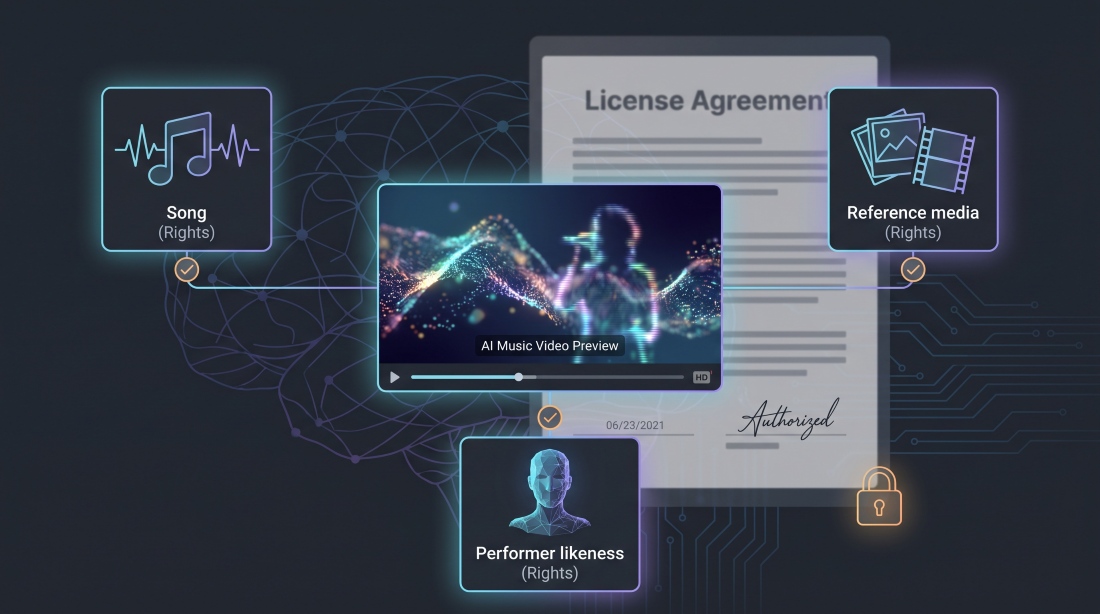
Terms vary widely between platforms. Neural Frames states that users own the full commercial rights to the videos they create, and Rotor says finished videos are the user’s to distribute and use commercially. For the other tools, check the current terms before delivering to a client. For the wider picture, FilmInk’s look at AI, likeness and ownership in Australian screen sets out what is at stake for local practitioners.
Which One Fits Your Project?
Neural Frames delivers stem-level precision when every snare should move the frame. Kaiber animates existing stills or gig clips on the beat. One More Shot AI keeps a singing performer on-model across scenes, while Plazmapunk’s Scene Editor maps story beats to the lyric arc. AITuber handles word-perfect captions, Rotor builds a stock montage in minutes, and BeatMotion turns the whole song into a lyric-driven draft.
Final Thoughts
A music video has to carry the whole song, not just the hook, and for many directors it is still the first real showreel. The right tool delivers a clean 16:9 master, follows the arrangement closely and leaves room for authorship. Settle the rights early, pick the engine that matches the brief, and spend the saved days on the edit.
