



by Enzo Callas
Movie night at home rarely matches the cinema, and it’s usually not the film’s fault. A washed-out picture, flat audio, or a buffering wheel appearing at the wrong moment can quickly pull you out of the experience. Most of these problems come down to a handful of fixable habits and settings rather than expensive new equipment. Here are ten practical ways to refine your setup and enjoy films with better picture, sound, and overall reliability.
Why Your Streaming Setup Might Be Holding Back the Experience
Poor picture calibration, underpowered speakers, and an inconsistent internet connection can all reduce immersion, even on a quality television. Your viewing environment matters just as much. Reflections from nearby windows, harsh lighting, or awkward seating angles can limit what your display is capable of delivering. Identifying these weak points is the first step towards creating a more cinematic experience at home.
1. Calibrate Your TV Picture for True-to-Film Colour and Contrast
Most televisions leave the factory with picture settings designed to stand out under bright retail lighting rather than perform well in a typical living room. This often results in exaggerated contrast, overly vivid colours, and an image that looks less natural than intended.
Turn Off Motion Smoothing and Other Picture ‘Enhancements’
Motion smoothing, commonly labelled as “TruMotion,” “Motionflow,” or something similar, creates the well-known soap opera effect that makes films appear unnaturally smooth. Disabling this feature, along with excessive sharpening and artificial enhancement settings, helps restore the cinematic look that filmmakers intended.
Use a Calibration Disc or App for Quick, Accurate Results
A calibration disc or a reliable calibration app can guide you through adjusting brightness, contrast, colour balance, and sharpness in as little as fifteen minutes. Repeating this process occasionally, especially after changing your room lighting or moving the television, helps maintain consistent picture quality.
2. Choose a TV or Projector Suited to Your Room and Content
The best display isn’t always the one with the biggest specifications. Choosing a screen that suits your room size, lighting conditions, and viewing habits will usually have a greater impact on your experience.
Screen Size, Resolution and HDR Considerations
A larger screen isn’t automatically better. Sitting too close to an oversized display can become uncomfortable and reduce image clarity. High Dynamic Range (HDR) often makes a more noticeable difference than additional resolution because it improves contrast, brightness, and colour depth across many modern films and series.
OLED vs QLED vs Projector for Movie Lovers
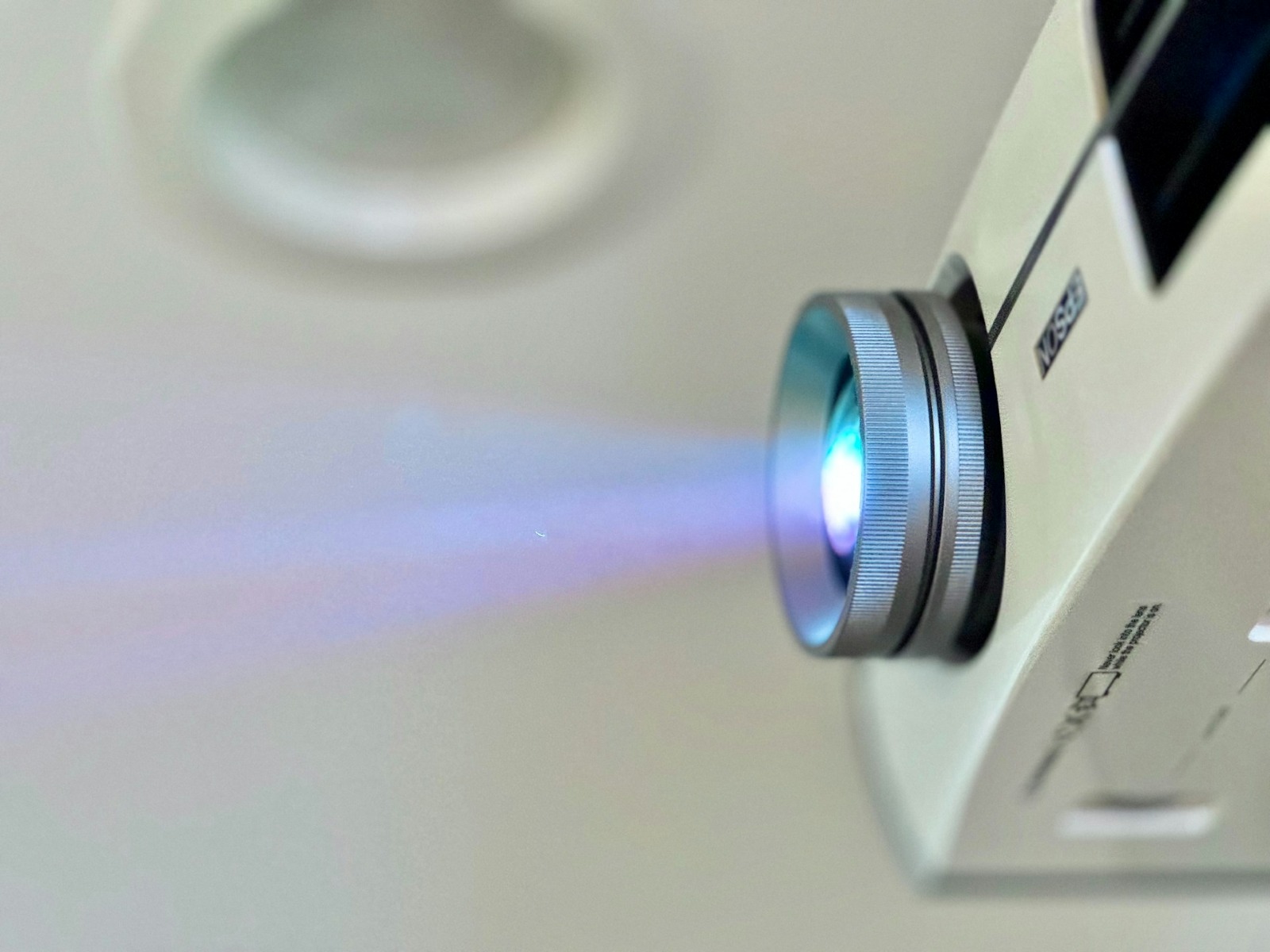
OLED televisions deliver exceptional black levels and impressive contrast, making them particularly well suited to darker films and evening viewing. QLED models perform especially well in brighter rooms and maintain excellent colour even in daylight. Projectors remain an appealing option for dedicated viewing spaces, providing a genuinely cinematic screen size without the premium cost of very large televisions.
3. Secure and Optimise Your Internet Connection for 4K and HDR Streaming
Even an excellent television and sound system cannot compensate for an internet connection that struggles to deliver consistent streaming quality. A stable network remains one of the most important foundations of an uninterrupted movie night.
Reduce Streaming Access Issues Across Multiple Devices
Homes with several connected devices, including smart TVs, streaming boxes, gaming consoles, and mobile devices, can occasionally experience access interruptions when network identification changes unexpectedly. One way to create a more consistent streaming experience is to get a dedicated IP with PIA, giving your connection a stable online identity that can help reduce repeated verification requests and improve access consistency across your compatible devices. For households that regularly stream across multiple screens, this can contribute to a smoother and more predictable viewing experience without constantly managing connection changes.
Recommended Speeds for Buffer-Free 4K Streaming
Different streaming platforms have slightly different recommendations, but a connection capable of comfortably supporting Ultra HD playback provides additional headroom when several devices are online at the same time. Maintaining consistent bandwidth is often just as important as achieving higher headline speeds.
4. Upgrade Your Sound System Beyond the TV Speakers
Built-in television speakers are usually designed to save space rather than deliver rich, detailed audio. As a result, dialogue can sound thin while music and sound effects compete for clarity.
Soundbars vs Full Surround Systems
A quality soundbar offers one of the easiest improvements you can make, delivering clearer dialogue, stronger bass, and a more balanced sound without requiring a complicated installation. A full surround sound system takes more planning but creates a far more immersive soundstage for viewers who want to recreate a genuine home cinema.
Matching Audio Formats (Dolby Atmos, DTS:X) to Your Streaming Service
For the best listening experience, your streaming service, playback device, and audio equipment should all support the same surround sound format. Advanced audio technologies such as Dolby Atmos or DTS:X only deliver their intended effect when every part of the setup is compatible.
5. Optimise Your Home Network to Prevent Buffering
Beyond overall internet speed, the way your home network is configured plays an equally important role in delivering smooth, uninterrupted streaming.
Positioning Your Router and Reducing Interference
A router hidden inside a cupboard or positioned behind the television has a harder time distributing a strong signal throughout the house. Placing it in a more central, open location and keeping it away from large electronic devices or thick walls can noticeably improve wireless coverage. In larger homes, a mesh Wi-Fi system can help eliminate areas where the signal is weaker.
Managing Bandwidth-Hungry Devices During Movie Night
Large file downloads, cloud backups, software updates, and online gaming can quietly consume available bandwidth while you’re watching a film. Pausing these activities during movie night, or using your router’s traffic prioritisation settings where available, helps keep your stream stable from beginning to end.
6. Control Ambient Light Like a Cinema
Lighting is one of the simplest upgrades you can make, yet it has a significant impact on picture quality and viewing comfort.
Bias Lighting Behind the Screen
Adding a soft LED bias light behind the television reduces eye strain during longer viewing sessions while improving the perceived contrast of the image. This simple addition can make darker scenes appear richer without changing your television’s picture settings.
Blackout Curtains and Smart Lighting Scenes
Blackout curtains help reduce glare that can wash out colours and contrast during daytime viewing. Smart lighting scenes also make it easy to dim the room to a comfortable cinema-style level with a single command, creating a more immersive atmosphere before the opening scene even begins.
7. Design a Dedicated Streaming Room or Viewing Zone
If space allows, creating a dedicated viewing area can improve the overall experience far more than upgrading a single piece of equipment.
Seating Layout and Screen Distance for Optimal Viewing
A practical guideline is to sit approximately one and a half times the screen’s diagonal measurement away at the closest point, extending to around twice that distance for those seated further back. This allows everyone to enjoy a comfortable viewing angle without straining to take in the full image. Measuring your room before purchasing a significantly larger television can help ensure the display fits both the space and your viewing habits.
Acoustic Treatment Basics for Better Sound
Soft furnishings such as rugs, curtains, upholstered furniture, and bookshelves naturally reduce sound reflections that can blur dialogue and diminish clarity. Even a few carefully placed items can noticeably improve the balance and detail of your audio without requiring specialist acoustic treatment.
8. Streamline Your Streaming Devices and Remote Setup
Too many devices and remotes can make even a simple movie night feel unnecessarily complicated.
Choosing the Right Streaming Box or Built-In Smart TV Platform
Using a single dependable streaming device or a well-supported smart TV platform that provides access to your favourite services is generally more convenient than switching between multiple boxes, remotes, and inputs throughout the evening.
Universal Remotes and Voice Control for a Clutter-Free Experience
A universal remote or integrated voice control allows you to manage your television, streaming device, and audio system with far less effort. Reducing clutter and simplifying navigation means you can spend less time searching through menus and more time enjoying the film.
9. Fine-Tune Streaming Service Settings for Best Quality
Many streaming applications include quality settings that remain unchanged from their default configuration, even though adjusting them can noticeably improve the viewing experience.
Adjusting Video Quality and Data Usage Preferences
Checking that your streaming apps are configured to use the highest available playback quality, rather than a data-saving mode, helps ensure you’re getting the picture quality included with your subscription. This is particularly worthwhile when watching films mastered in higher resolutions.
Keeping Apps and Firmware Updated
Regularly updating streaming apps, media devices, and television firmware helps maintain compatibility, improve stability, and reduce the likelihood of playback issues. Updates can also introduce performance improvements that enhance both picture quality and overall responsiveness.
10. Add the Finishing Touches That Movie Buffs Swear By
The technical setup is only part of creating a memorable movie night. Small personal touches often make the experience feel much closer to visiting the cinema.
Tracking and Curating Your Watchlist
Keeping an organised watchlist across your preferred streaming services reduces the time spent browsing for something to watch. Planning ahead makes it easier to start the film sooner and enjoy the evening without endless scrolling.
Hosting a Proper Movie Night Experience
Comfortable seating, favourite snacks, lowered lighting, and setting aside uninterrupted time all contribute to a more enjoyable viewing experience. Whether you’re watching alone or sharing the evening with family and friends, these simple touches help turn an ordinary night into something that feels more special.
Your Fast-Track Checklist to a Better Streaming Room
Review your picture settings, audio system, internet connection, network layout, room lighting, and streaming devices as part of a complete setup rather than treating each element separately. Small improvements across several areas often deliver a far greater result than replacing a single piece of equipment, helping you enjoy a more consistent and immersive home cinema experience.
When to Call in the Professionals for a Full Home Theatre Upgrade
Some improvements, including dedicated projector installations, custom wiring, or advanced acoustic treatment, extend beyond a typical weekend project. If you’re planning a purpose-built home theatre or undertaking a larger renovation, experienced installers can help with equipment placement, calibration, and system integration to ensure every part of your setup performs at its best.
Photo by Kevin Doyle on Unsplash
