


by Cate Fenster
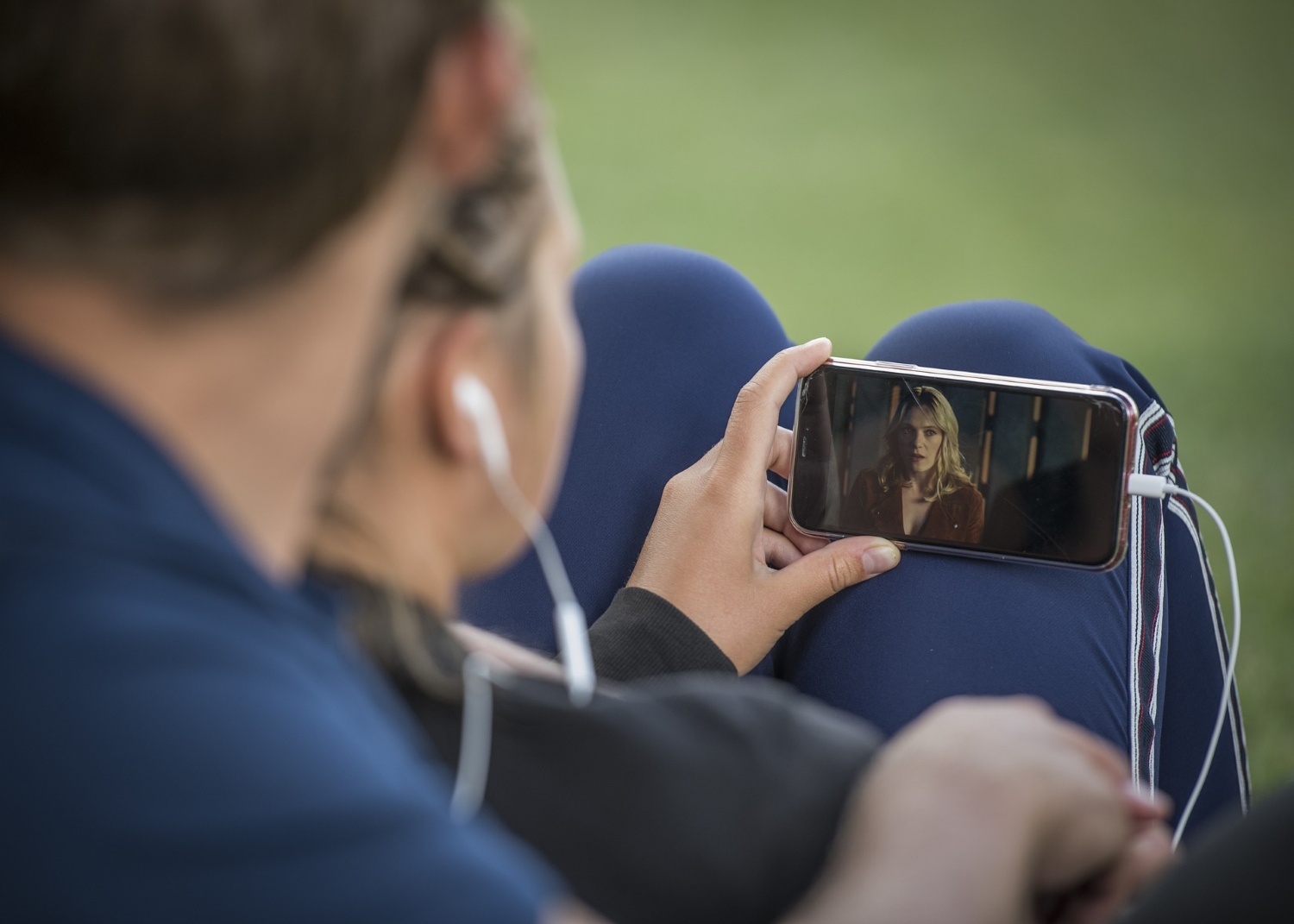
A two-hour film on a phone screen on the train, then another episode before bed. If your eyes feel tired and a bit blurry afterwards, you are not imagining it, and one small habit may be making it worse: holding the phone closer as the night wears on.
What a UNSW study found
Optometry Australia reported on research by UNSW Sydney in which 18 adults aged 18 to 29 read on a smartphone for an hour, rather than watching films. The text was small, about two millimetres tall, the height of a capital H. After the hour, tired and uncomfortable eyes and blurred vision were the symptoms people reported most, and those symptoms rose over the hour. It was a small study of young adults with normal binocular vision, so it cannot speak for everyone. It still shows a pattern you can check on your own phone.
The closer you hold it, the harder your eyes work
The participants held the phone closer as the hour went on. The researchers called moving closer in response to visual stress a self-defeating strategy, because a shorter viewing distance increases the demand on the eyes’ focusing and alignment. In their data, a closer reading distance went with more visual symptoms. Anyone who has caught themselves nose-to-screen halfway through a film will recognise it.
What you can do tonight
The researchers did not set a time limit for smartphone use, and they noted that desktop computer research links symptoms to around 30 minutes of use but that they did not know whether the same applies to phones. So, there is no magic number. A few practical habits are still easy to try:
Hold the phone at a steady, comfortable distance, and if you keep drifting closer, increase the text size or switch to a bigger screen. Pause between episodes and look at something far away. Treat creeping closer as a signal to pause, not to squint harder.
Make the screen do more of the work
The study used very small text, so bigger text is an easy thing to try. Most phones let you raise the font size in the display settings, and subtitles are often adjustable too. If you are watching a film with a lot of dialogue, bigger subtitles mean you can leave the phone where it is. You can also adjust the screen brightness to suit the room, although the study did not test this.
Think about the screen you choose
Not every film night needs a phone. A laptop on a table, a tablet propped on a stand or a television across the room lets you keep a steady viewing distance without holding anything. If the phone is your only option, a small stand frees your hands and helps you hold it at the same distance.
Build a pause into the film
Streaming makes it easy to roll from one episode into the next without moving. Pick a natural stopping point, such as the end of an act or a scene change, and use it. Stand up, look out of a window or across the room, and get a drink of water. A short pause gives you a chance to check your posture and viewing distance before you press play again.
Tell your optometrist how you really use your phone
At your next eye test, mention how many hours you spend on screens, which devices you use, and how far away you hold them. Those details help an optometrist work out whether your symptoms come from how you use your devices, from your prescription, or from both. They know what questions to ask, but they cannot guess a habit you do not mention.
When it is more than tiredness
If your eyes feel strained most days, or you notice blur that does not clear after a rest, book an eye test with an optometrist. Needing glasses, or an updated prescription, can make screens feel harder than they should. A test is also the right time to ask whether lenses designed for screen use suit you.
If your optometrist finds you need a new or updated prescription, you can order glasses online from Vision Direct, the Australian brand of global retailer SmartBuyGlasses, which has sold glasses online since 2006. Have your new prescription ready when you order, and ask Vision Direct’s optical dispensers if you are unsure how to enter it.
